Boards /
Studio/Dialog Editor /
Topic 1166
Border Style with Html control
Started by velasquez ·
2010-02-04 17:16 UTC ·
15 replies · SMF topic #1166
velasquez
2010-02-04 17:16 UTC
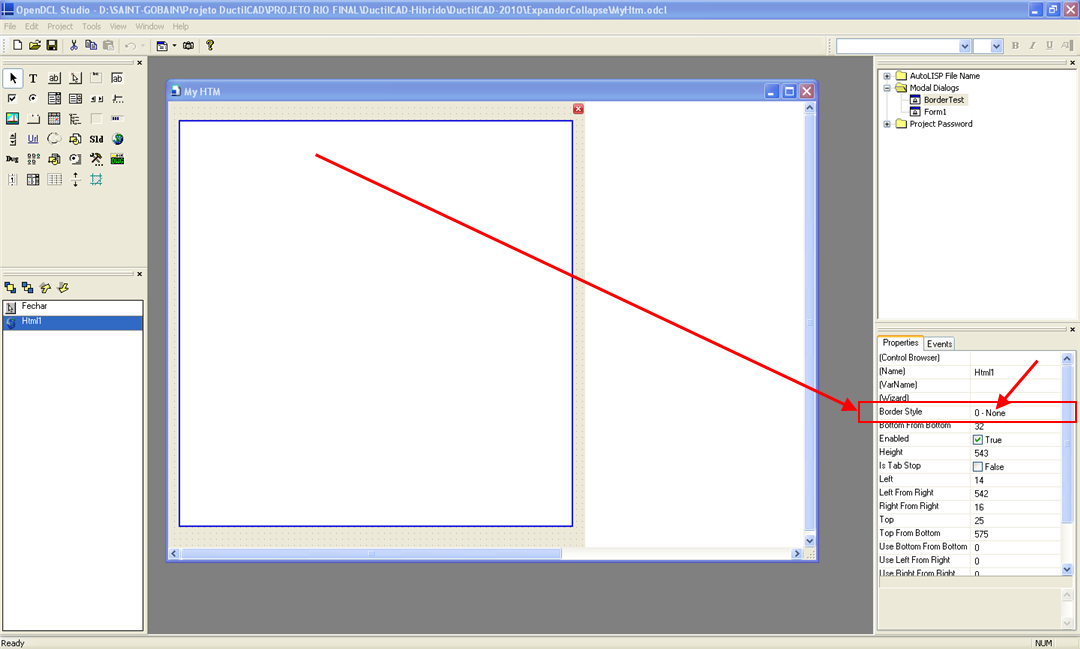
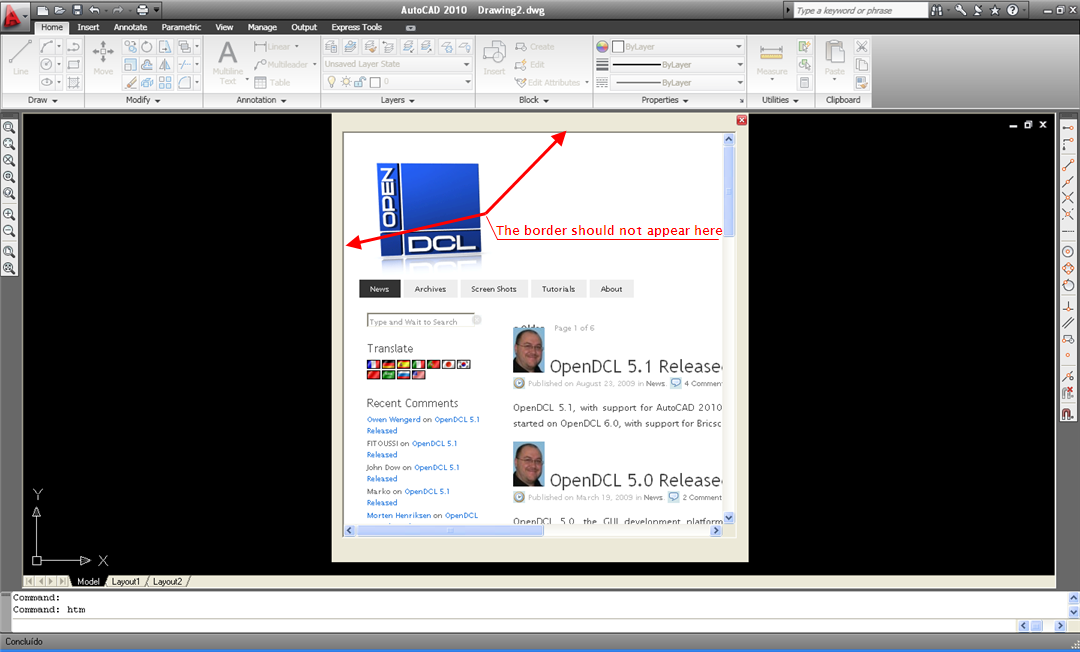
The property BorderStyle doesn't work correctly with Html control.
See the two calls in the way with the control.
owenwengerd
2010-02-04 20:27 UTC
I believe the HTML control is hosted inside another window; is the problem that the inner control does not honor the border style setting of the outher host window?
velasquez
2010-02-04 22:30 UTC
Excuse me I didn't understand your question.
I made the tests with HTML.odcl of the directory Samples of OpenDCL.
owenwengerd
2010-02-05 00:04 UTC
Sorry, I'm not sure what the problem is.
velasquez
2010-02-05 00:47 UTC
Sorry, it should be some problem with my form.
I will see this better.
velasquez
2010-02-06 18:11 UTC
I got to reproduce the problem with the property Border Style of the control HTML.
The problem appears when the property Allow Resizing in the form is FALSE.
I posted the modified file.
Thanks
velasquez
2010-02-06 18:13 UTC
Sorry
It follows the file.
velasquez
2010-02-06 19:30 UTC
I made other tests to reproduce my project.
The problem with Border Style happens in all situation.
I hope to help with the files.
Thanks
owenwengerd
2010-02-07 04:43 UTC
I still don't understand what the problem is. I tested your project, but I don't see any difference no matter whether form resizing is enabled or disabled.
velasquez
2010-02-07 09:45 UTC
Sorry my English is not good.
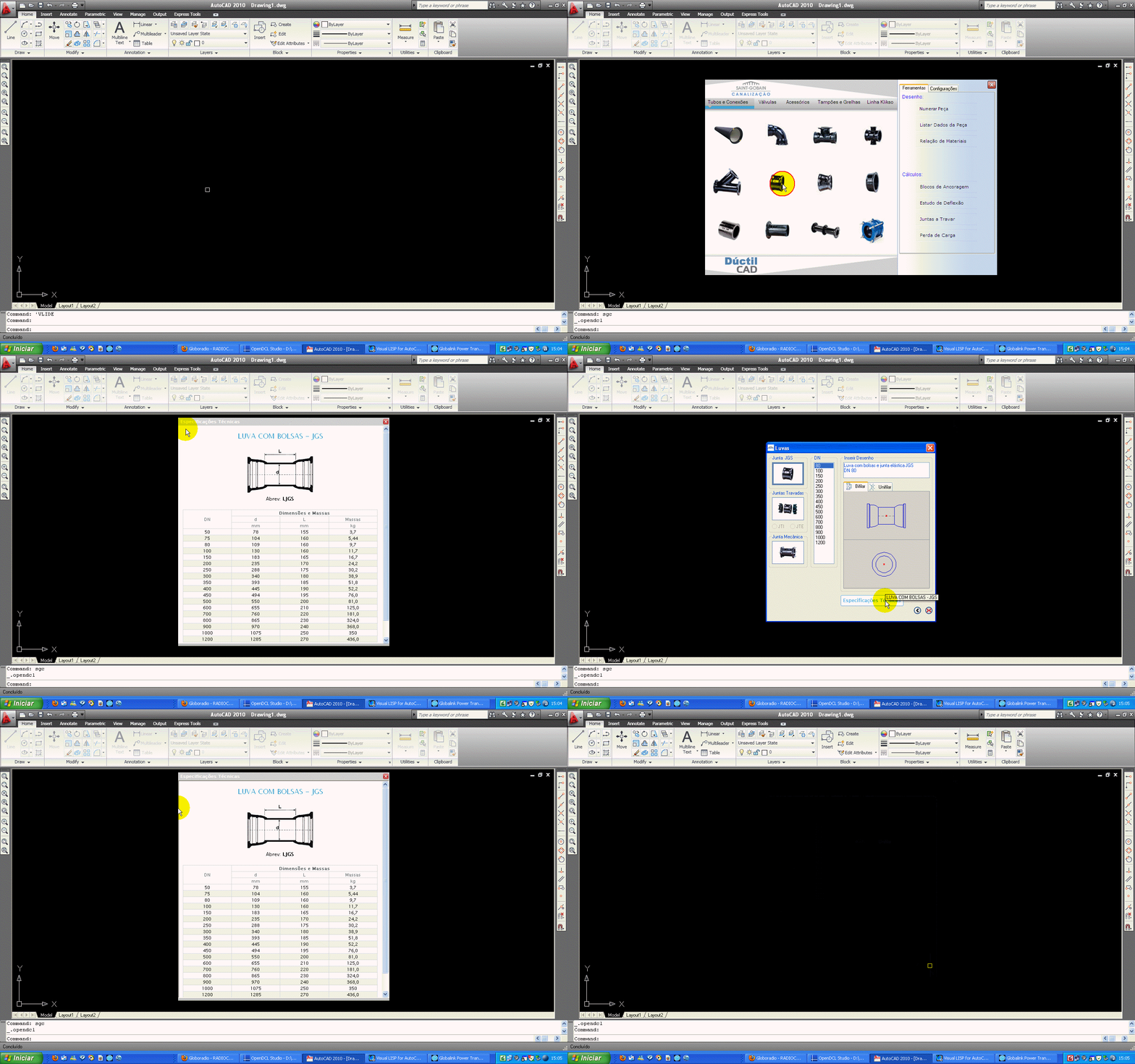
These images show the problem better with the property Border Style of the control HTML.
I made the tests with AutoCAD 2006-09-10 working with WINDOWS XP.
owenwengerd
2010-02-07 13:57 UTC
What does it look like if you clear the loaded page? What exactly changes if the form is resizable?
velasquez
2010-02-08 10:54 UTC
The property Allow Resizing is same FALSE in this form.
Sorry, as I can clear the loaded page?
Will this make the borders of the control HTML they disappear?
I didn't see a function for this.
Thanks
owenwengerd
2010-02-08 13:17 UTC
You can navigate to "about:blank" to clear the HTML. I ssume the border is part of the document. My suggestion is to test this by loading an empty document.
velasquez
2010-02-09 11:56 UTC
Hello Owen
1 - I worked with (dcl_Html_Navigate MyHtm_BorderTest_Html1 " about:blank ") to clean the control, but the border is still shown.
2 - the same thing happens if I work with an empty document.
3 - if I don't work with dcl_Html_Navigate the property BorderStyle works well.
Thanks
owenwengerd
2010-02-11 01:58 UTC
I have investigated this further, and as I suspected, the border is part of the HTML document. There is a flag that removes the document border, so I have changed the code for the next build to remove the document border.
velasquez
2010-02-11 09:56 UTC
Thank you Owen for your attention and the great work.
 BorderStyle.gif (598481 bytes)