Started by Iulian ·
2010-02-17 11:09 UTC ·
7 replies · SMF topic #1181
Iulian
2010-02-17 11:09 UTC
What should I do for appear the last 2 tabs in Project toolbar? On my form I have 5 tabs, and in project toolbar only the first 3.
fred_tomke
2010-02-17 12:56 UTC
Hi,
what would happen, if you save, close and reopen the project?
Fred
owenwengerd
2010-02-17 13:11 UTC
Try opening the column properties for the tab control, make some minor change, then apply the change. I'd be interested in taking a look a the corrupt .odcl file before you do that, though.
Iulian
2010-02-17 14:55 UTC
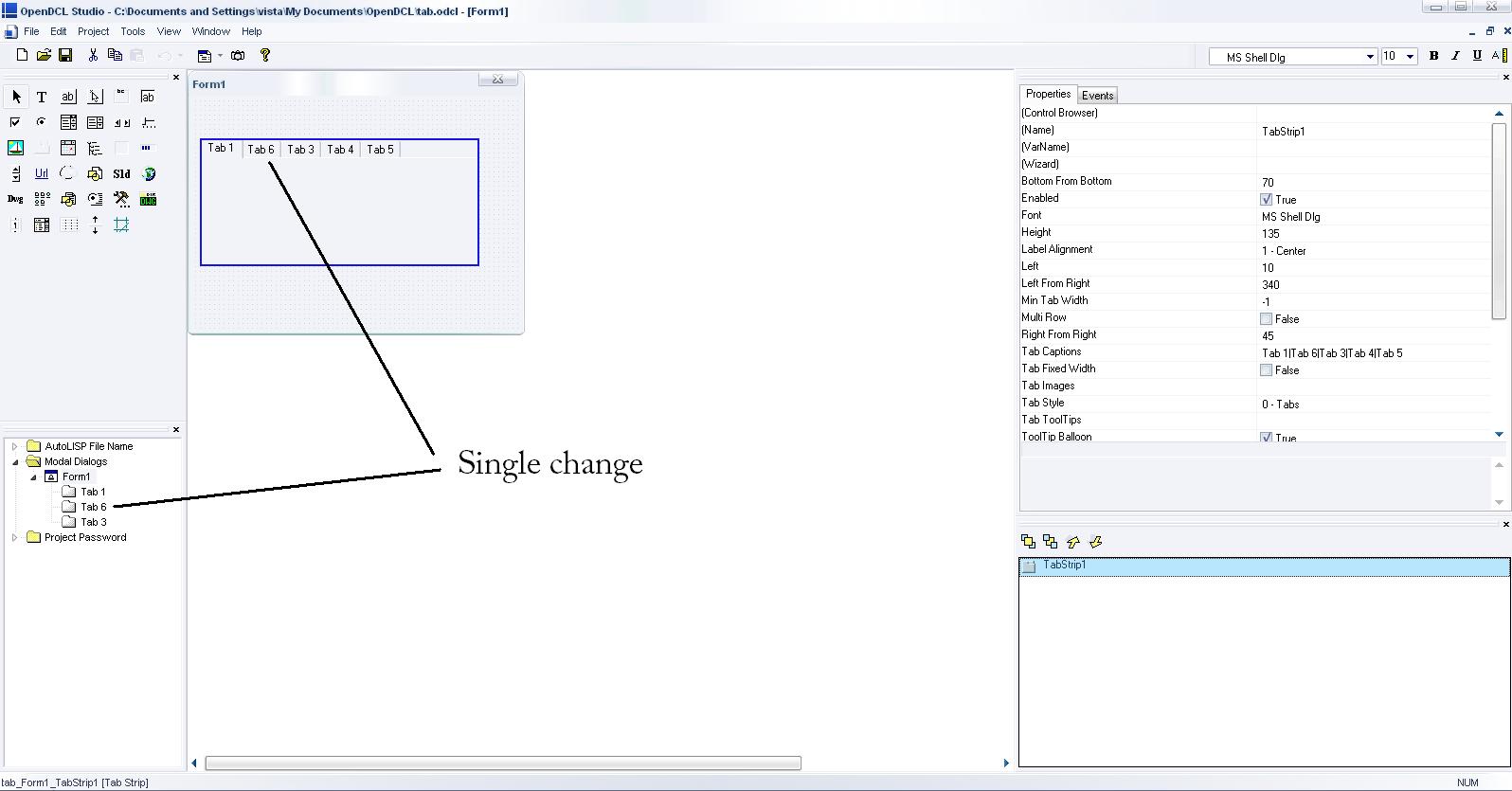
After all these changes you said (Fred and Owen), the single change is that the second tab was renamed in project toolbar....
I attached the corrupt....
Thanks in advance
owenwengerd
2010-02-17 17:34 UTC
Which version of OpenDCL Studio are you using? I opened your file in the latest alpha build and just opened the tabs page and pressed Apply, then all the tabs showed up. If you're using an older version, this may be something that has since been fixed.
Iulian
2010-02-17 18:29 UTC
I think I miss something...where is the APPLY button? I thought that you named "column properties" the "Control Browser" page, because the is a column with properties...and there is only a OK button...
I`m using the latest alpha build version... OpenDCL.Studio.ENU.6.0.0.22
If I thought wrong, where/which is the "tab page" ?
Thanks again.
owenwengerd
2010-02-17 19:05 UTC
Right click on the control and select 'Properties', then click on the 'Columns' tab. You can also get there by double clicking on the control in the tab / z-order list, or by clicking in the '(Wizard)' field of the property grid.
Iulian
2010-02-18 08:38 UTC
Thank you Owen..
best regards!
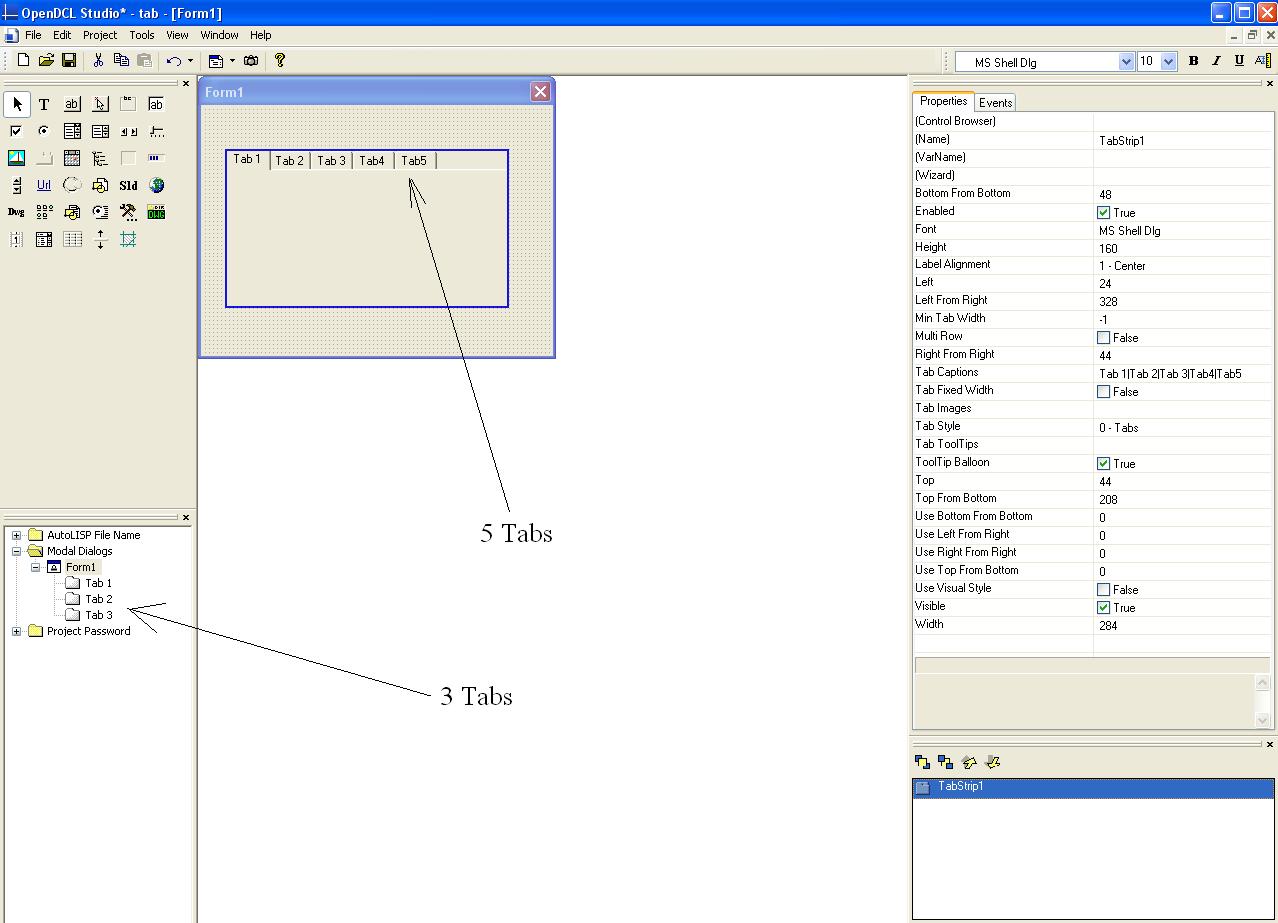 TabStrip question.JPG (122309 bytes)