Started by jbuzbee ·
2011-06-08 14:03 UTC ·
14 replies · SMF topic #1632
jbuzbee
2011-06-08 14:03 UTC
v6.2.2
AutoCAD 2009 (yes, I know) :P
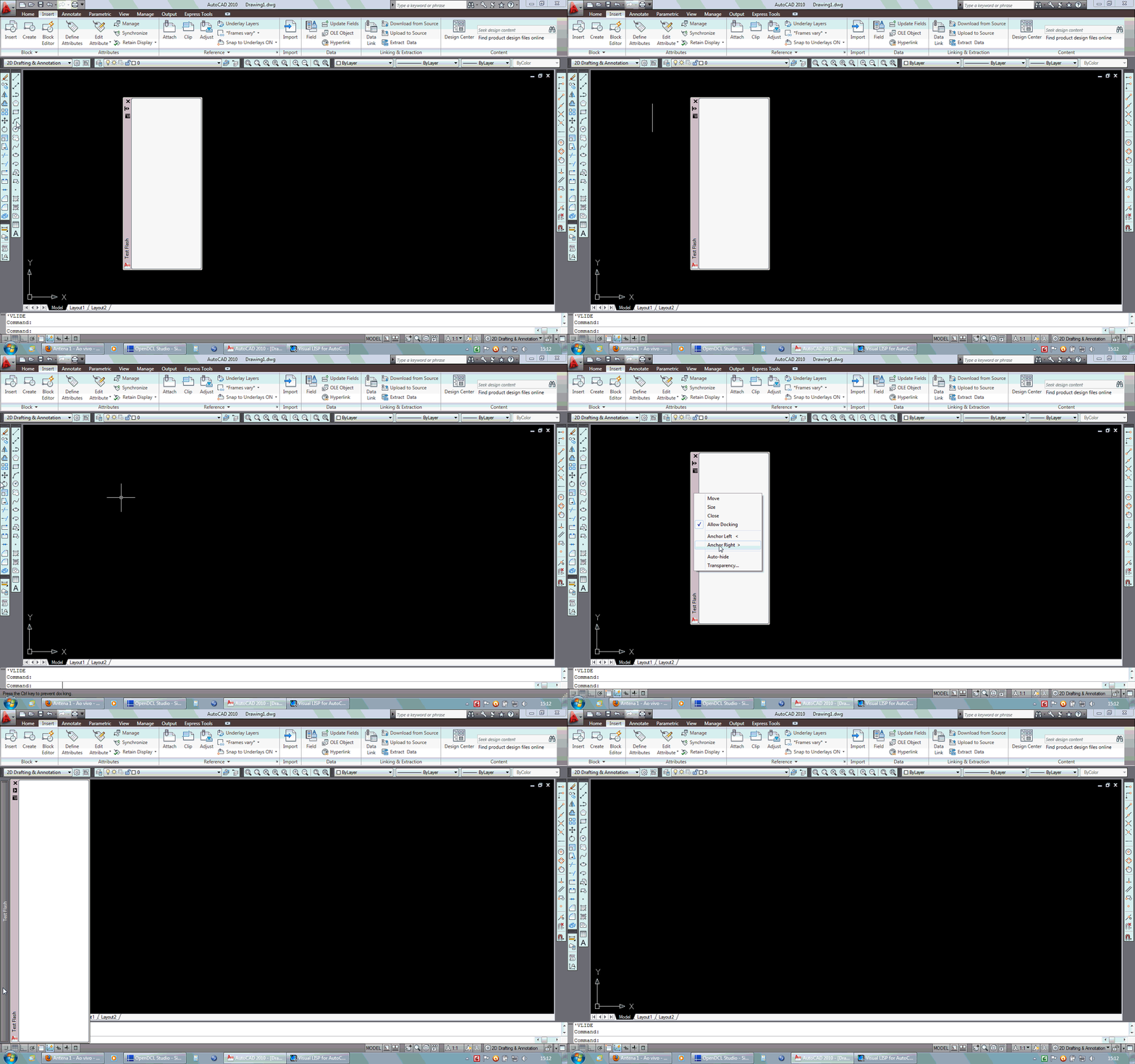
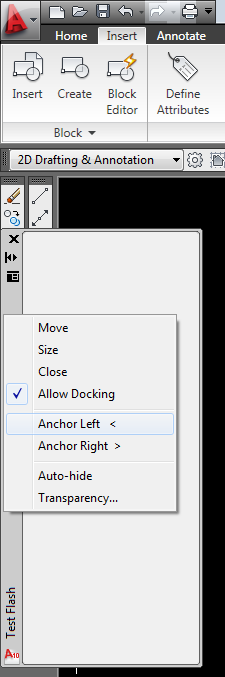
When a palette is anchored left or right, when holding the cursor over the image (button) the palette will appear as expected. If the cursor is held on the image for more than a few seconds the palette will disappear, then reappear in a :flashing" sort of way. This is not normal behavior for standard AutoCAD palettes.
Does anyone else have this problem? Is it being looked at? I'd like to move a number of forms over to palettes. It's really no big deal - just annoying sometimes.
Thanks,
jb
jbuzbee
2011-06-11 00:54 UTC
Really? Is OpenDCl dead????
owenwengerd
2011-06-11 11:28 UTC
Summer vacation. ;)
jbuzbee
2011-06-11 20:22 UTC
Oh, I don't get one of those . . . :'(
owenwengerd
2011-06-13 01:44 UTC
Can you attach a sample file and more detailed instructions? I did a quick test and couldn't reproduce the problem, but I'm not quite sure what you mean by "holding the cursor over the image (button)".
velasquez
2011-06-17 19:19 UTC
The file posted shows the problem with the form.
velasquez
2011-06-17 19:23 UTC
author=velasquez link=topic=1632.msg8084#msg8084 date=1308338396 wrote:
The file posted shows the problem with the form.
Sorry I posted the file now. ;D
owenwengerd
2011-06-17 19:31 UTC
I need the code and the .odcl file in order to reproduce the problem.
velasquez
2011-06-17 20:42 UTC
author=owenwengerd link=topic=1632.msg8086#msg8086 date=1308339079 wrote:
I need the code and the .odcl file in order to reproduce the problem.
I posted the files.
Type TestFlash
See the image of the shape and apply the property.
When it is anchored just put the mouse over it.
The video above shows this.
Thanks
jbuzbee
2011-06-20 17:00 UTC
Thank you velasquez
velasquez
2011-06-28 11:31 UTC
author=owenwengerd link=topic=1632.msg8086#msg8086 date=1308339079 wrote:
I need the code and the .odcl file in order to reproduce the problem.
Hello Owen,
Were you able to reproduce the problem with code that I posted?
Regards
owenwengerd
2011-06-28 14:21 UTC
Yes, I was able to reproduce it, but I haven't yet figured out why it does that.
owenwengerd
2011-07-05 03:00 UTC
I believe the palette flashing problem is now fixed for the next build.
jbuzbee
2011-07-05 13:21 UTC
Thank you Owen!
Happy belated 4th of July everyone!!
jbuzbee
2011-07-05 14:25 UTC
just downloaded the latest build . . . AWESOME!