Started by cadplayer ·
2012-08-15 12:45 UTC ·
9 replies · SMF topic #1860
cadplayer
2012-08-15 12:45 UTC
Hi!
Can I have one or more template in one palettes. You know from Properties window in Autocad it haves more template (see describtion)
Regards Dirk
bazzacad
2012-08-15 15:46 UTC
Do you mean tabs?
No it's currently no possable.
cadplayer
2012-08-16 06:40 UTC
Hi!
Thanks for answer, yes I mean tabs, but maybe there is another way to can collect lisp-command in refreshed openDCL menues. I have ca. 200 functions and no control which I use or need. So I´m thinking to do command-catalogs. Have somebody a idea.
My first concept is so here... problem is I can´t open all tabs ?!
Regards Dirk
fred_tomke
2012-08-16 13:17 UTC
Hi, the object properties tab is a palette of a paletteset. OpenDCL supports a single palette, not a palette set. If you want to use several tab you can use the tabs control. If not all tabs are listed in the z/tab-pane, I made the experience that saving/close/open the project file will solve the problem.
Regards, Fred
owenwengerd
2012-08-16 13:38 UTC
author=cadplayer link=topic=1860.msg9140#msg9140 date=1345099216 wrote:My first concept is so here... problem is I can´t open all tabs ?!
If possible, please attach or email the .odcl file and instructions to reproduce the problem so I can investigate.
cadplayer
2012-08-17 06:24 UTC
Hi again!
Yes I sent wrong file you can nothing do only with lsp-file.
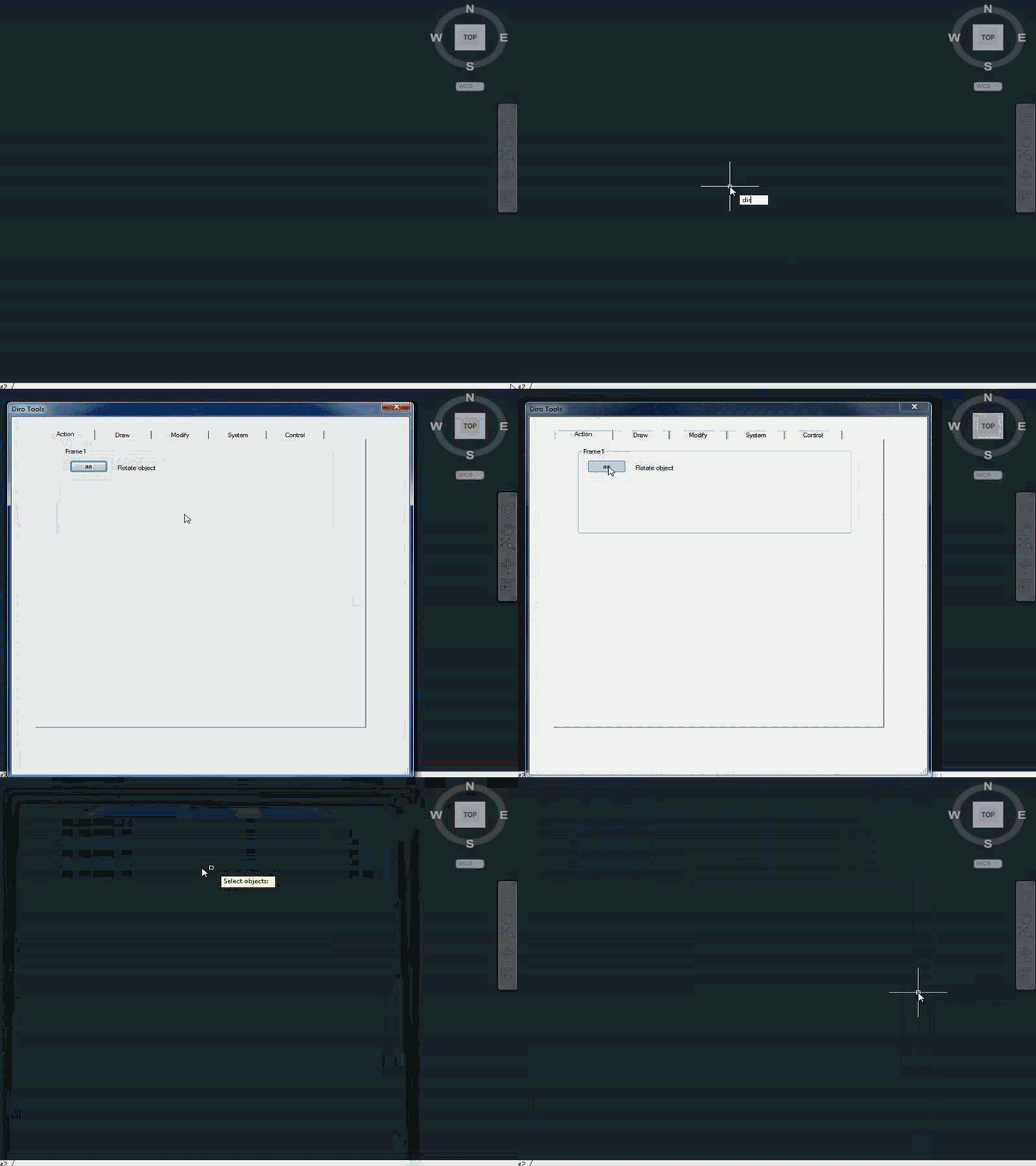
I have create a odcl and for example paste a button on "Action tab" to run a command. If I try start diroTool.lsp I can only run command if I close odcl-window. Is it possible to run aa-command and switch automatically in the drawing.
regards Dirk
owenwengerd
2012-08-17 07:06 UTC
I am able to open all 5 tabs in your .odcl file. Unfortunately I cannot fix the problem unless I can reproduce it.
Take a look at the Selections sample to see how to dismiss a modal dialog so you can interact with the AutoCAD editor. However if your dialog should stay open, it probably should be modeless instead of modal.
cadplayer
2012-08-17 10:46 UTC
Maybe you understand it better. Take a look on animation. I wondering why must I close diroTool-form to can run aa-command ? :-\
fred_tomke
2012-08-17 11:08 UTC
Hi, in palettes, modeless and dockable forms you can run commands in the drawing without closing the form. Modal forms instead stop AutoCAD as long as the modal form will be closed.
Have a look at the beginners tutorial. There is a small tool which demonstrates exactly this behaviour.
Regards, Fred
cadplayer
2012-08-17 11:39 UTC
Thanks Fred, yes I have to see all samples in tutorial - nice done it
cheers Dirk