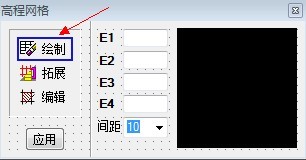
Hi,Owen,Hi All, Please Help me, About Draw Image Button Border...

Started by XDCAD · 2012-08-23 15:45 UTC · 7 replies · SMF topic #1873

I design a image button, I want to click, draw a button border, could you tell me how to do?

Thanks...

Attachments
Hi, either you change the button border at the time of onclick event or you draw a picturebox behind the button which is a pixel greater than the button and you change the backcolor at onmouseover or on click event. Or you built a generic button using picture box. Then you can draw every thing.

Regards, Fred
HI,Fred

  Thank patient answer.

I meet another problem, I want to be a transparent background images, but use PHOTOSHOP make PNG format documents, loading to OPENDCL elevation background is black, not transparent, to ask, how to call the background transparent PNG to OPENDCL?
author=Fred Tomke link=topic=1873.msg9196#msg9196 date=1345750397 wrote:
Hi, either you change the button border at the time of onclick event or you draw a picturebox behind the button which is a pixel greater than the button and you change the backcolor at onmouseover or on click event. Or you built a generic button using picture box. Then you can draw every thing.

Regards, Fred


Hi Fred,

I work with dcl_Control_SetBackColor.
To return to the original state I worked with dcl_PictureBox_Clear.
But dcl_PictureBox_Clear no longer works in OpenDCL 7.0.0.6.
Can you tell me if there was any change to this method?

Thanks
velasquez
Hi, vela, BackColor should be still the same after Clear. Clear only removes the image.
Regards, Fred
author=Fred Tomke link=topic=1873.msg9218#msg9218 date=1345817493 wrote:
Hi, vela, BackColor should be still the same after Clear. Clear only removes the image.
Regards, Fred


Hi Fred,
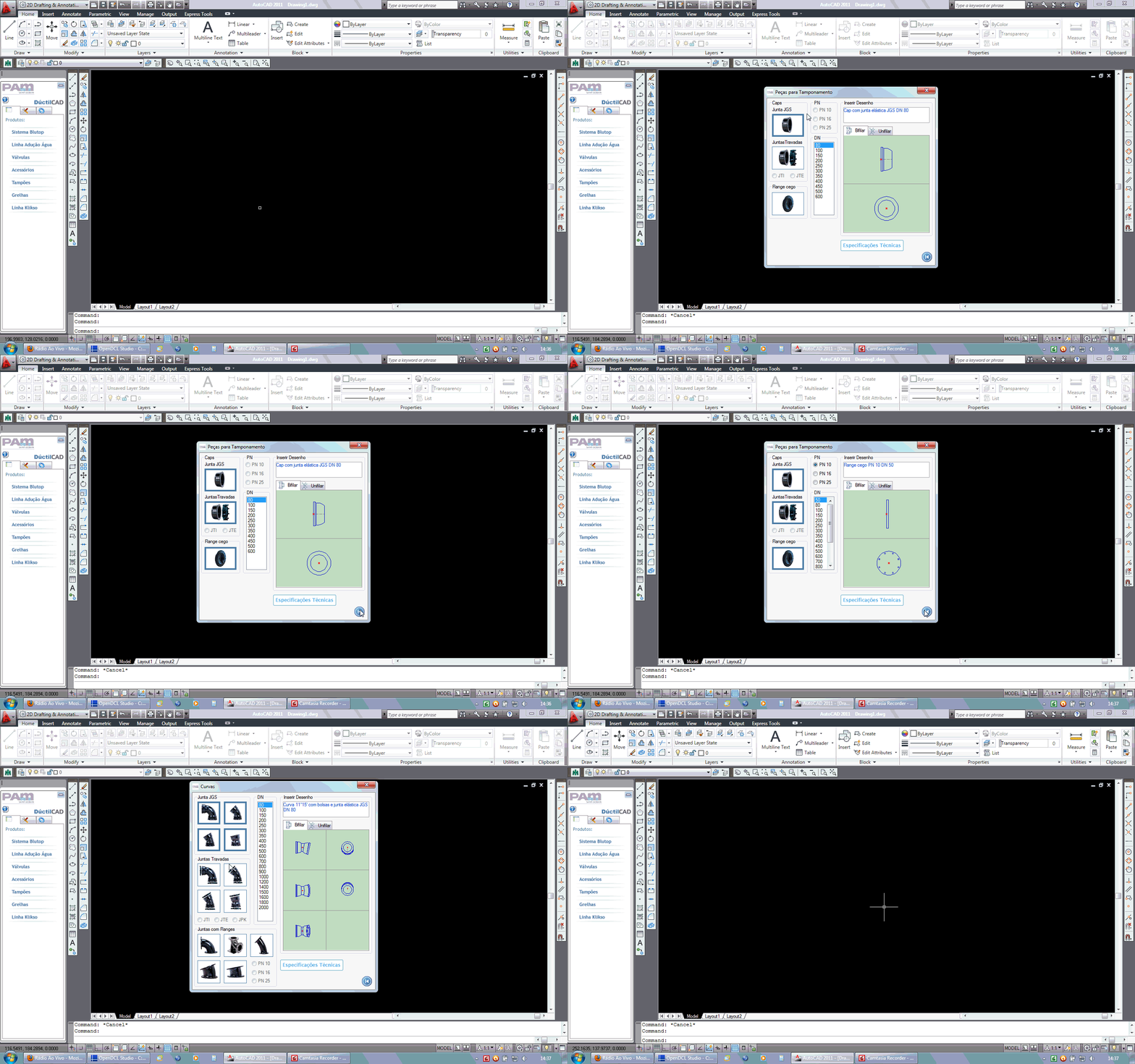
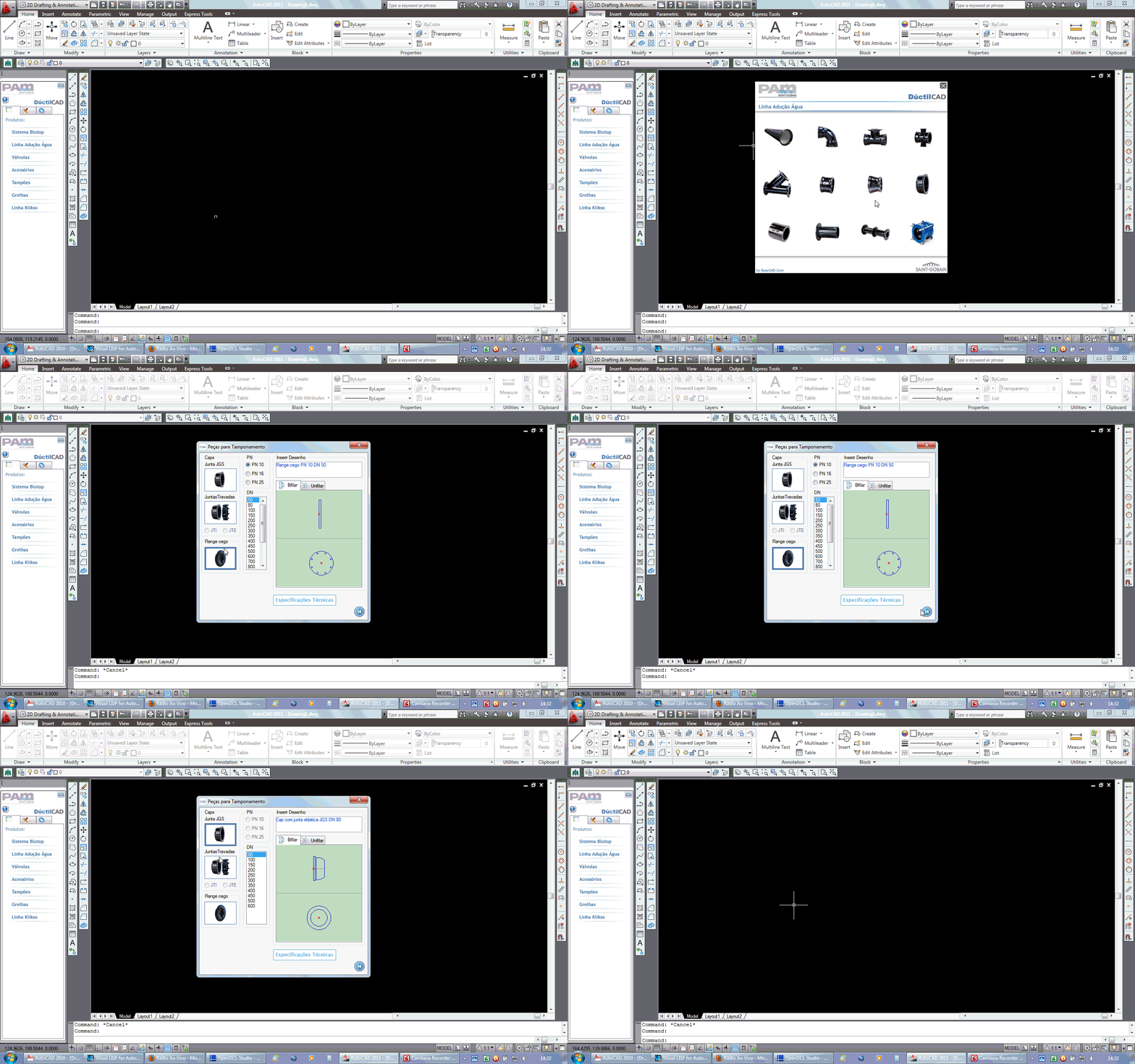
I posted a function that works with dcl_Control_SetBackColor and dcl_PictureBox_Clear OpenDCL in 6.0.2.5 and 7.0.0.6 OpenDCL.


(defun JoyBorderCap (JoyItemRemove / JoyLista)
;;;Lista com o nome de Todos os pictureBox de fundo
    (setq JoyLista (list "BG-JGS"
"BG-JTI-JTE"
"BG-FLANGE"
  ) ;_ fim de list
    ) ;_ fim de setq
;;;Muda a cor do BackGround da imagem selecionada = JoyItemRemove
    (dcl_Control_SetBackColor
      "DuctilCAD"
      "Caps"
      JoyItemRemove
      11239775
    ) ;_ fim de dcl_Control_SetBackColor
;;;Limpa as imagens BackGround das conexoes e traca as molduras
    (foreach JoyItem (vl-remove JoyItemRemove JoyLista)
;;;Limpa a imagem
      (dcl_PictureBox_Clear
"DuctilCAD"
"Caps"
JoyItem
      ) ;_ fim de dcl_PictureBox_Clear
;;;Traca a moldura
      (dcl_PictureBox_DrawRect
"DuctilCAD"
"Caps"
JoyItem
(list (list 0 0 80 57 11239775))
      ) ;_ fim de dcl_PictureBox_DrawRect
    ) ;_ fim de foreach
;;;Fixa a s margens desenhadas
    (foreach JoyItem JoyLista
      (dcl_PictureBox_StoreImage "DuctilCAD" "Caps" JoyItem)
    ) ;_ fim de foreach
  ) ;_ fim de defun
Hi, luckily I haven't found any similiar problems in my earlier sources although I also change the BackColor.
I recommend you to create a small sample project and code and report it as a bug.

Regards, Fred
author=Fred Tomke link=topic=1873.msg9231#msg9231 date=1345906505 wrote:
Hi, luckily I haven't found any similiar problems in my earlier sources although I also change the BackColor.
I recommend you to create a small sample project and code and report it as a bug.

Regards, Fred


Hi Fred,
I'll do it as soon as possible.
Have changed all my code in function AutoCAD 2013.

Regards, velasquez