2018-03-11 15:53 UTC
Best Answer:
When a corrupted profile is not evident the answer may lie in windows itself.
Win7 has a change for text size: 100% 125% 150%
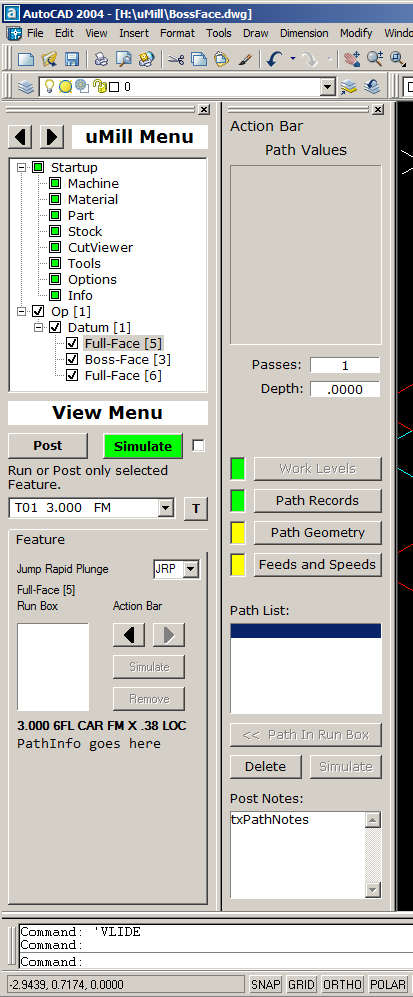
When nothing seemed to work with AutoCAD itself I went to Control Panel|Display and changed from 100% to 125% and that forced log off. After log on and load Tool bars showed correctly.
By going back to 100% Bars swapped backwards again. This time I re-positioned the bars, and did a qsave twice and logged off. After reload all was well.
***Next time this happens, do the above first and see that fixes it.***
When a corrupted profile is not evident the answer may lie in windows itself.
Win7 has a change for text size: 100% 125% 150%
When nothing seemed to work with AutoCAD itself I went to Control Panel|Display and changed from 100% to 125% and that forced log off. After log on and load Tool bars showed correctly.
By going back to 100% Bars swapped backwards again. This time I re-positioned the bars, and did a qsave twice and logged off. After reload all was well.
***Next time this happens, do the above first and see that fixes it.***