Started by Peter2 ·
2018-07-18 15:29 UTC ·
7 replies · SMF topic #2611
Peter2
2018-07-18 15:29 UTC
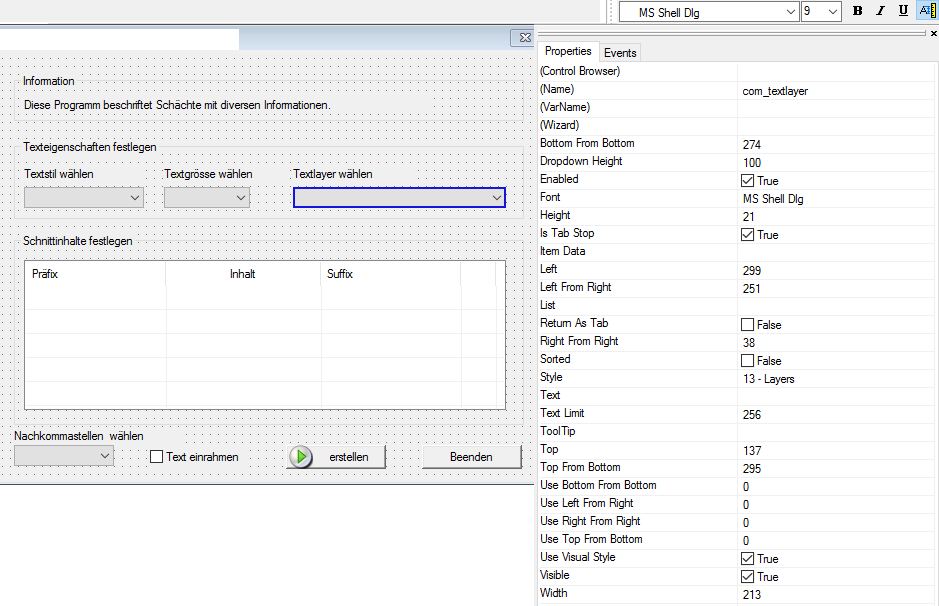
I have a dialogue where I set all "Font-settings" to " 'Font Size Scaled to Monitor' "
On 4k-monitors it looks OK, but the Layer-combobox looks rather "compressed". Should line-heights be defined by the user or by the software?
owenwengerd
2018-09-10 01:50 UTC
Layer combo line height is hard-coded at 16 pixels. I've modified the code now to scale the line height along with display scale. The icons are a fixed size, so they will appear relatively smaller on a hi-res display, but I think it should nevertheless have a nicer appearance.
Peter2
2018-09-10 19:37 UTC
Thanks Owen 8)
Peter2
2019-01-04 11:15 UTC
author=owenwengerd link=topic=2611.msg12999#msg12999 date=1536544206 wrote:
...but I think it should nevertheless have a nicer appearance.
Hi Owen,
is this issue already solved? I'm not sure - colleagues still report this issue with current versions.
owenwengerd
2019-01-04 13:29 UTC
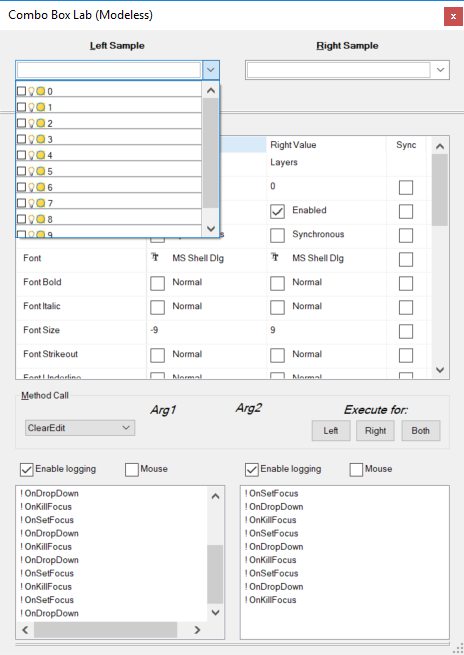
Yes Peter, the mentioned fix was included in 9.0.2.0. Can you tell me the font values to use in the ComboBoxLab sample to reproduce the problem?
Peter2
2019-01-04 15:13 UTC
I have to wait until Monday to reach my colleague for a current screenshot of his 4k-monitor, but here are the settins.
owenwengerd
2019-01-04 20:41 UTC
I've attached a screen shot of the combo box lab on my display (display scaling at 150%) showing a layer combo with font size -9.
Peter2
2019-01-09 21:43 UTC
Thanks Owen,
it's OK now. Was our mistake.
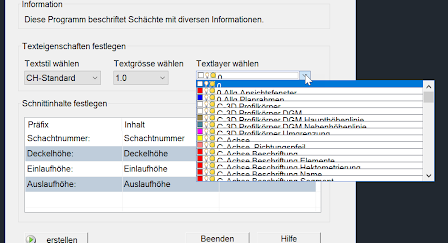 odcl_layercombox_4k_2018.png (54680 bytes)