Started by commodore ·
2021-09-17 12:35 UTC ·
5 replies · SMF topic #2784
commodore
2021-09-17 12:35 UTC
AutoCad 2022, OpenDcl 9.1.3.0 (also tried it with the stable build 9.0.6.1)
SDI = 0 (multi-document mode)
AutoCad crashes if the steps below are followed.
1. Open a drawing, let's call it DWG-A.
2. Open a OpenDCL Modeless form.
3. Open a new drawing, let's call it DWG-B.
4. Close DWG-A, leaving the form open.
5. Close the form using the Red "X" at the upper right of the form.
This causes AutoCad to crash.
This did not happen in AutoCad 2018 and OpenDCL 9.0.0.2
owenwengerd
2021-09-21 23:22 UTC
I could not reproduce a crash using the Modeless demo form (OPENDCLDEMO) and following the provided steps. I tested with Acad 2022 _VERNUM=S.51.0.0.
commodore
2021-09-28 14:36 UTC
We are using MEP 2022 with all the latest updates.
Windows 10, version 21H1.
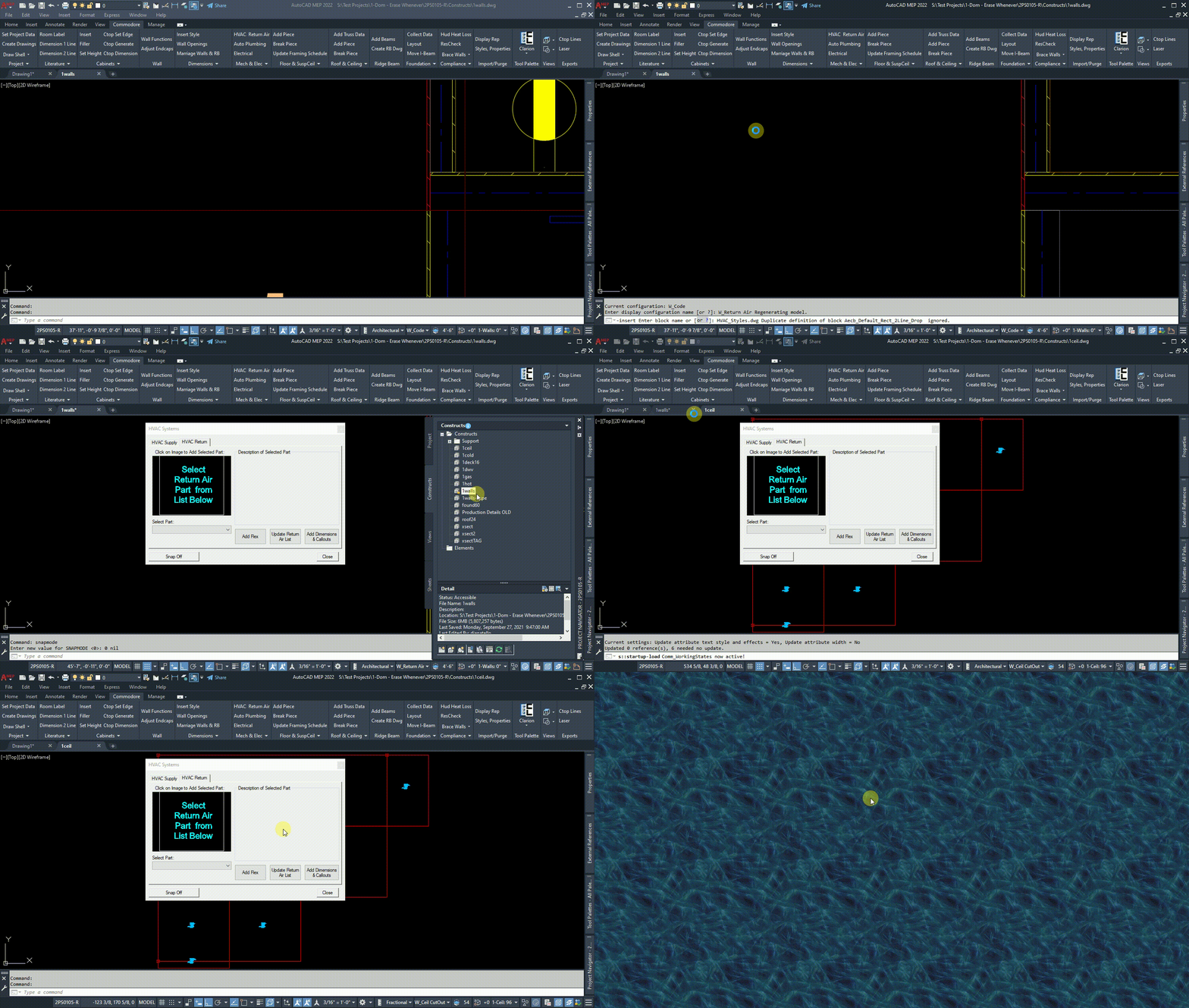
See attached file.
owenwengerd
2021-09-30 02:13 UTC
Did you try to reproduce it with the modeless form from the OPENDCLDEMO sample? If it crashes with the demo as well, it would indicate a generic issue; otherwise (and more likely) it is related to your system or code.
commodore
2021-12-01 18:14 UTC
Owen,
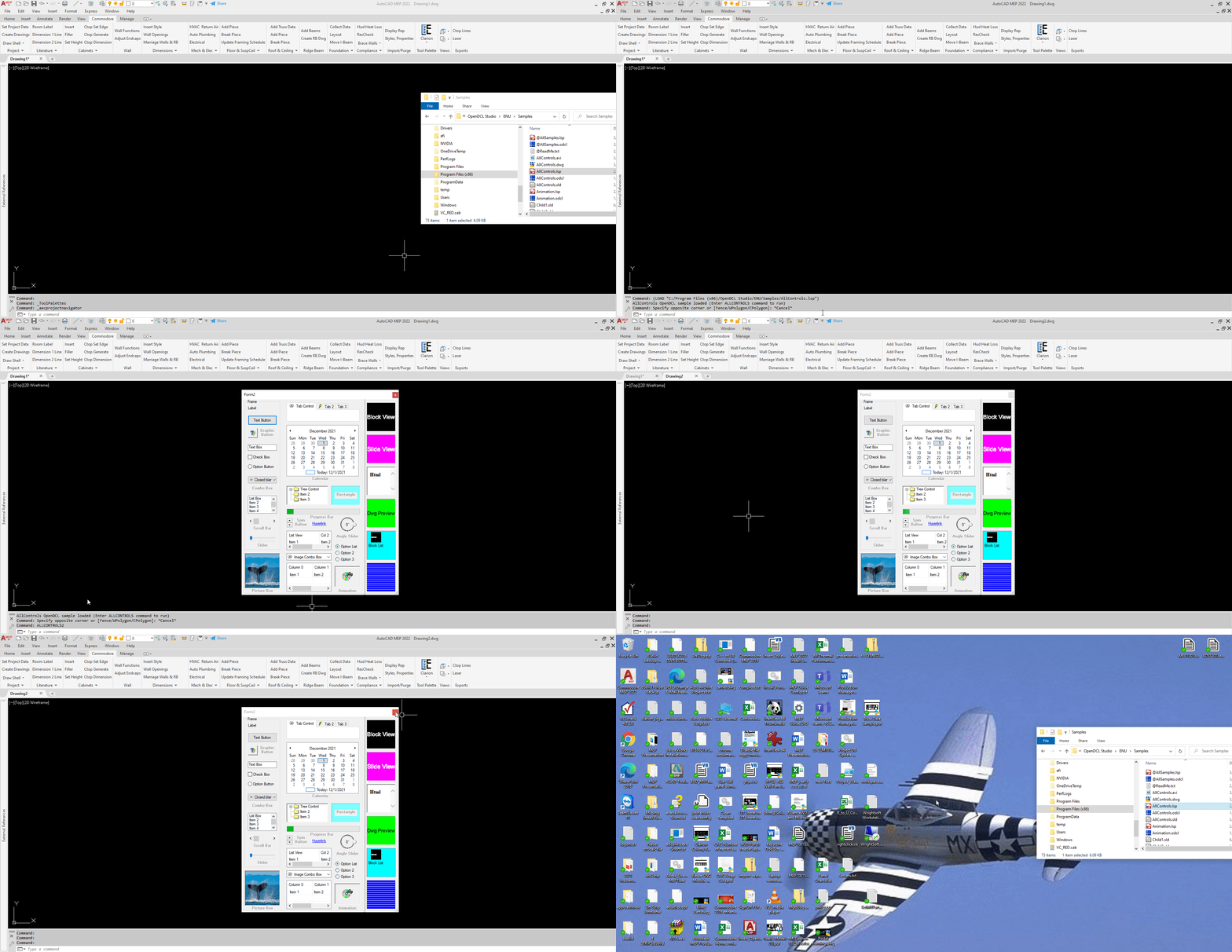
I am able to reproduce the AutoCad crash using your "AllControls" sample.
See the attached video.
The crash seems to be caused by calls to "dcl-BlockView-PreLoadDwg" of which there are 2 in the "AllControls" sample.
If you comment out those 2 calls and repeat the process AutoCad does not crash.
owenwengerd
2021-12-02 05:15 UTC
I am able to reproduce it now. The crash happens when a block from a preloaded drawing is displayed in a Block View control, then the control is destroyed after closing the document which was current at the time the drawing was preloaded. It looks like an Acad bug, and a thorny one to resolve.