Started by fred_tomke ·
2008-05-15 08:31 UTC ·
11 replies · SMF topic #325
fred_tomke
2008-05-15 08:31 UTC
Hello,
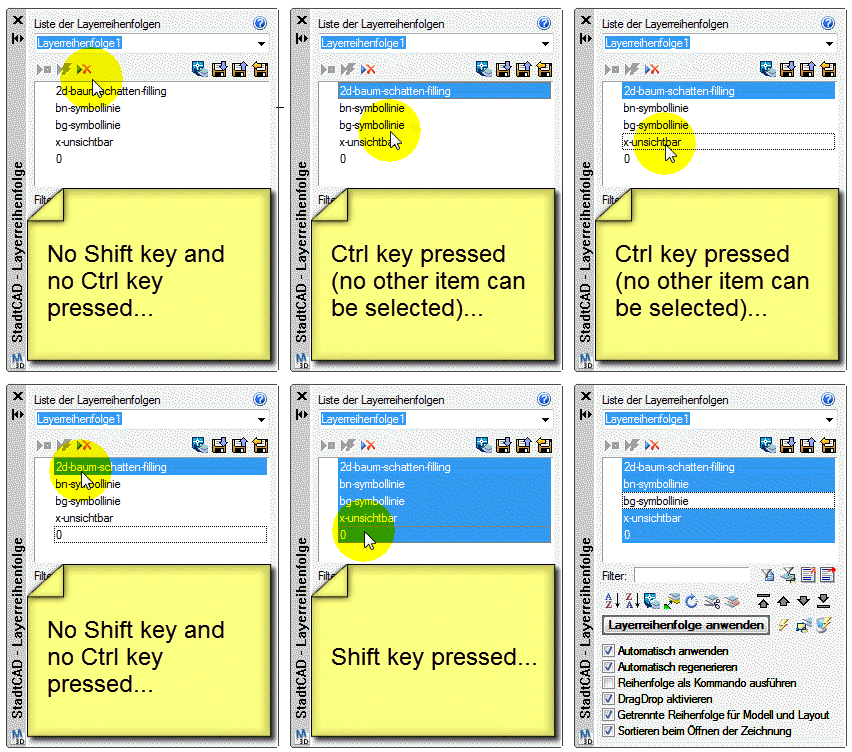
I have a listview that supports Cut & Paste. To get that I have to activate OnKeyDown. But on this case the singular selection of items by pressing left mousebutton while holding the ctrl-key won't work. It's interesting that the singular deselection by pressing ctrl-key works properly. Is there somebody who can reproduce?
You can check that in the attached project.
Fred
owenwengerd
2008-05-17 20:48 UTC
Fred, I loaded your project, but I'm not quite sure what I'm supposed to do in order to reproduce the problem.
fred_tomke
2008-05-17 20:54 UTC
I will add a video in a few minutes.
Fred
fred_tomke
2008-05-17 21:19 UTC
Hello, here is the video, hope that helps.
Fred
owenwengerd
2008-05-18 14:29 UTC
Fred, when I load your project I don't see a list of layers. What am I doing wrong?
fred_tomke
2008-05-18 19:06 UTC
Just to be sure: did you load the lisp and did you call the command LAF?
Fred
owenwengerd
2008-05-19 04:21 UTC
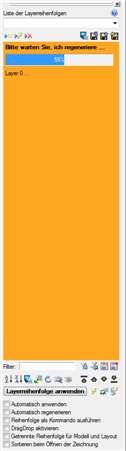
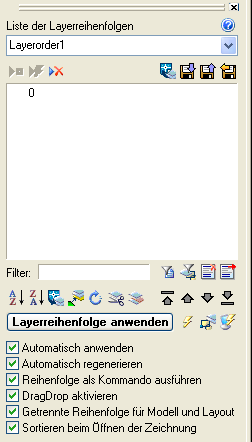
Yes, that is exactly what I did (after first creating a few new layers in a new drawing). See the attached screen shot.
fred_tomke
2008-05-19 06:14 UTC
Ok, Copy and Paste isn't the same as in ancient times. When creating the sample for http://www.opendcl.com/forum/index.php?topic=323.0 I changed the OnInit-function. No it works with the lisp I attached.
Fred
velasquez
2008-05-19 14:02 UTC
When I carry the project in AutoCAD 2007 the color of the bottom it doesn't price.
Why does this happen?
fred_tomke
2008-05-19 14:20 UTC
Hello, velasquez,
sorry but I didn't understand your first sentence very well. Can you be more specific about what you mean? On the other hand I have no 2007 anymore. Can you upload a screen shot, please?
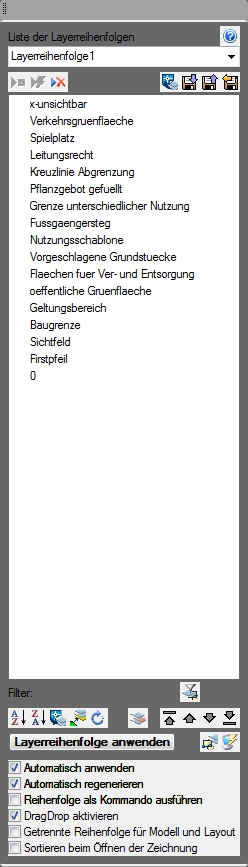
For your understanding: Because the palette looks not very nice in 2009 I tried to add a rectangle in the background.
Fred
velasquez
2008-05-19 14:47 UTC
I am talking about rectangle in the background.
fred_tomke
2008-05-19 15:20 UTC
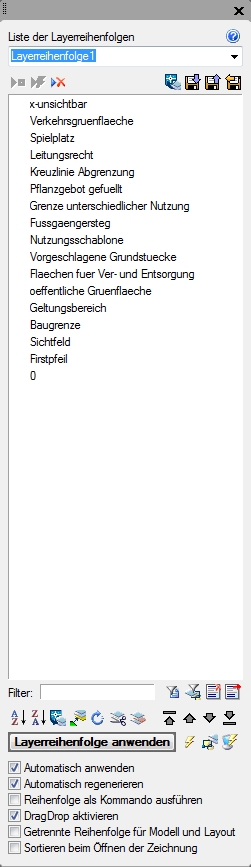
The form as it looks like at your screenshot is just like I wish but is not so in AutoCAD 2009 although there is a non-transparent rectangle in the background.
The first screenshot you see is after disanchoring and the screenshot below is after first call.
Fred